Panama City Marathon 2026 · Sunday, September 20 — Panama City
- 42K
- 21K
- 10K
- 5K
PlaySafe does not register you for the race — that runs on the organizer's own platform. Here you prepare the emergency profile you wear on race day.
Your emergency profile, with you
By your side, every mile
PlayPass's band that speaks for you in an emergency. Your blood type, allergies and who to call — one tap, no app.
See how it worksHow it works
Your vital info, one tap away.
Someone helping you taps a compatible phone to access your profile. The latest information, without installing an app.
You wear it
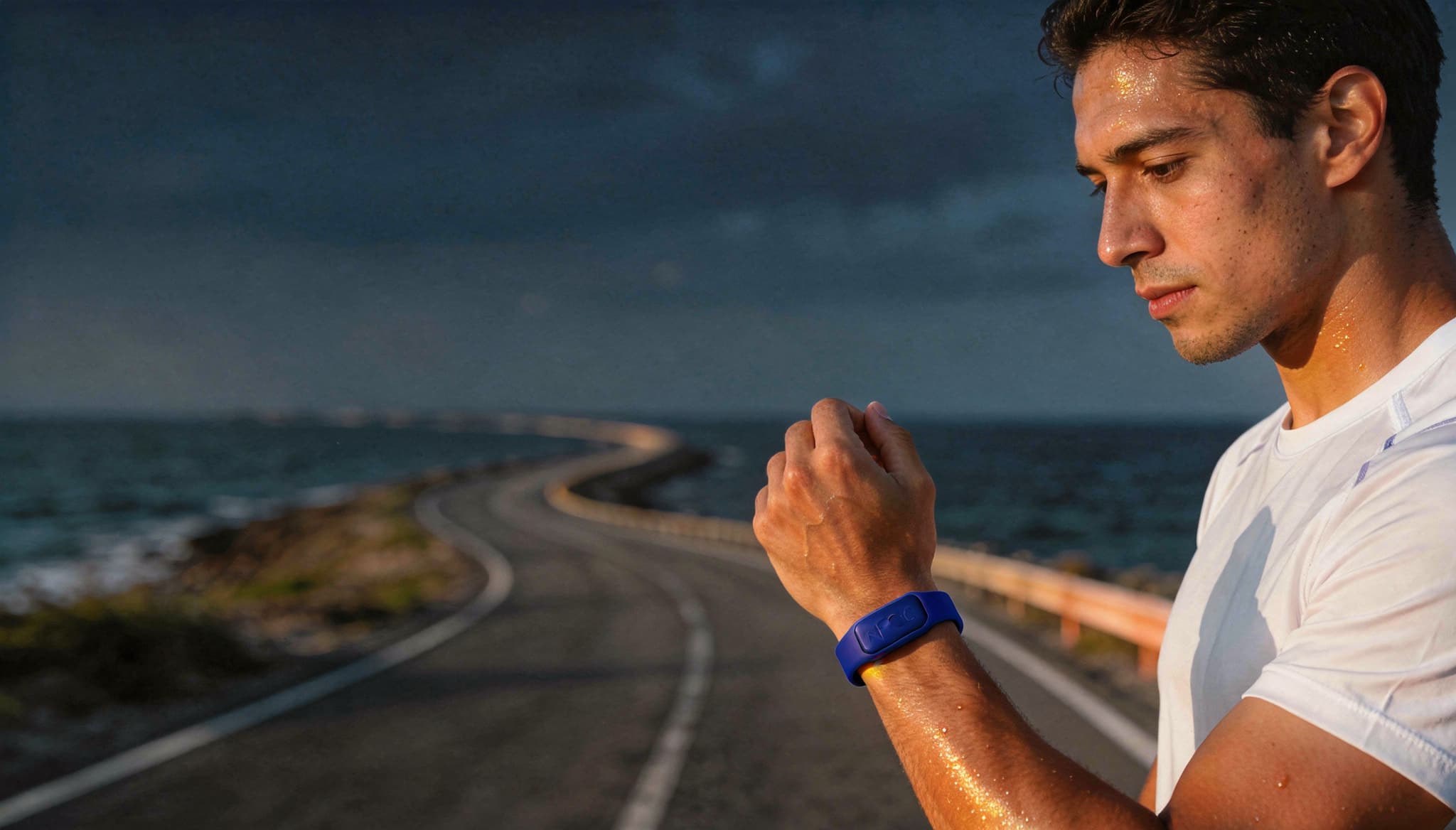
On your wrist, while you train.
Someone scans it
They find the bracelet on your wrist and tap it with an NFC phone.
They see the vitals
Blood type, allergies and contacts. Instantly.
If you help someone, look for their bracelet
Unlock an NFC phone and hold it near the bracelet: the top of an iPhone or the NFC area on the back of an Android phone. Open the profile that appears. No app or QR code is needed; an internet connection is.
Ejemplo ilustrativo · Sample profile
 Emergencia · Emergency
Juan Pérez
Edad / Age: 34
Alergias / Allergies
Penicilina
Condiciones / Conditions
Asma
Medicamentos / Medications
Salbutamol
Donante / Donor
Sí / Yes
Hospital
Punta Pacífica
Contactos / Contacts
Ana Pérez
Esposa / Spouse
+507 6000-0000
This is what your rescuer sees
No app and no login — only what's vital.
No app, no downloads
The rescuer just taps their phone to the bracelet. Done.
Private by design
Your private data is never public — only your emergency information.
Always up to date
Edit your profile online anytime; the bracelet is never rewritten.
Your profile, under your control
Review your information before heading out and keep your contacts up to date. You update the profile from your account; someone helping you can find the essentials through your bracelet.
Before you head out
Does the person helping me need an app?
No. A compatible NFC phone opens the emergency profile in its browser. An internet connection is needed to load the latest information.
What can someone see when they scan it?
Your name, photo and age, when provided, medical information and emergency contacts. Your identity document, address and activity log stay private.
How do I keep my profile up to date?
Sign in with the secure link sent to your email. Update your medical information and contact numbers before each activity.
Is this medical care?
PlaySafe makes the information you provide easier to find. It does not replace emergency services or a medical assessment.